Talk·Weaver
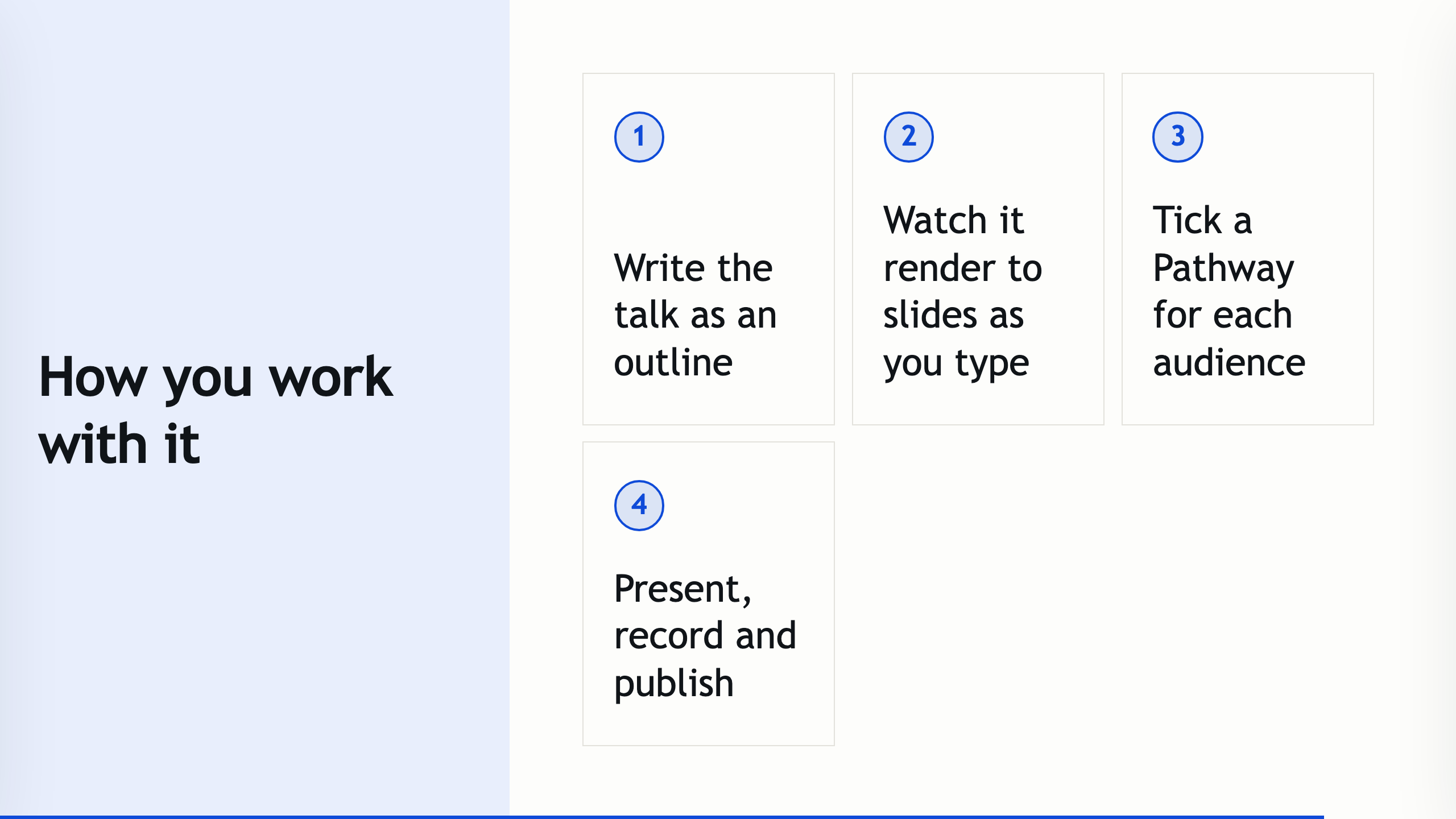
Write your talk as an outline. Present it as polished slides.
Signed and notarised for macOS · Windows build is unsigned (SmartScreen: More info → Run anyway) · Free & open source (MIT) · your talks never leave your computer.
New in 0.32
- An action bar above the editor puts layout, media, slide insertion, presenting, handouts and publishing within reach.
- The Inspector groups its options into sections, with shortcuts to each section at the top.
- Rating, ranking and matrix polls, and quick polls you can open during a presentation.
- PowerPoint files import with their slide structure and embedded videos.
- Handouts adapt to a phone screen, with a script companion that follows the slide.
- The macOS build is signed and notarised by Apple.
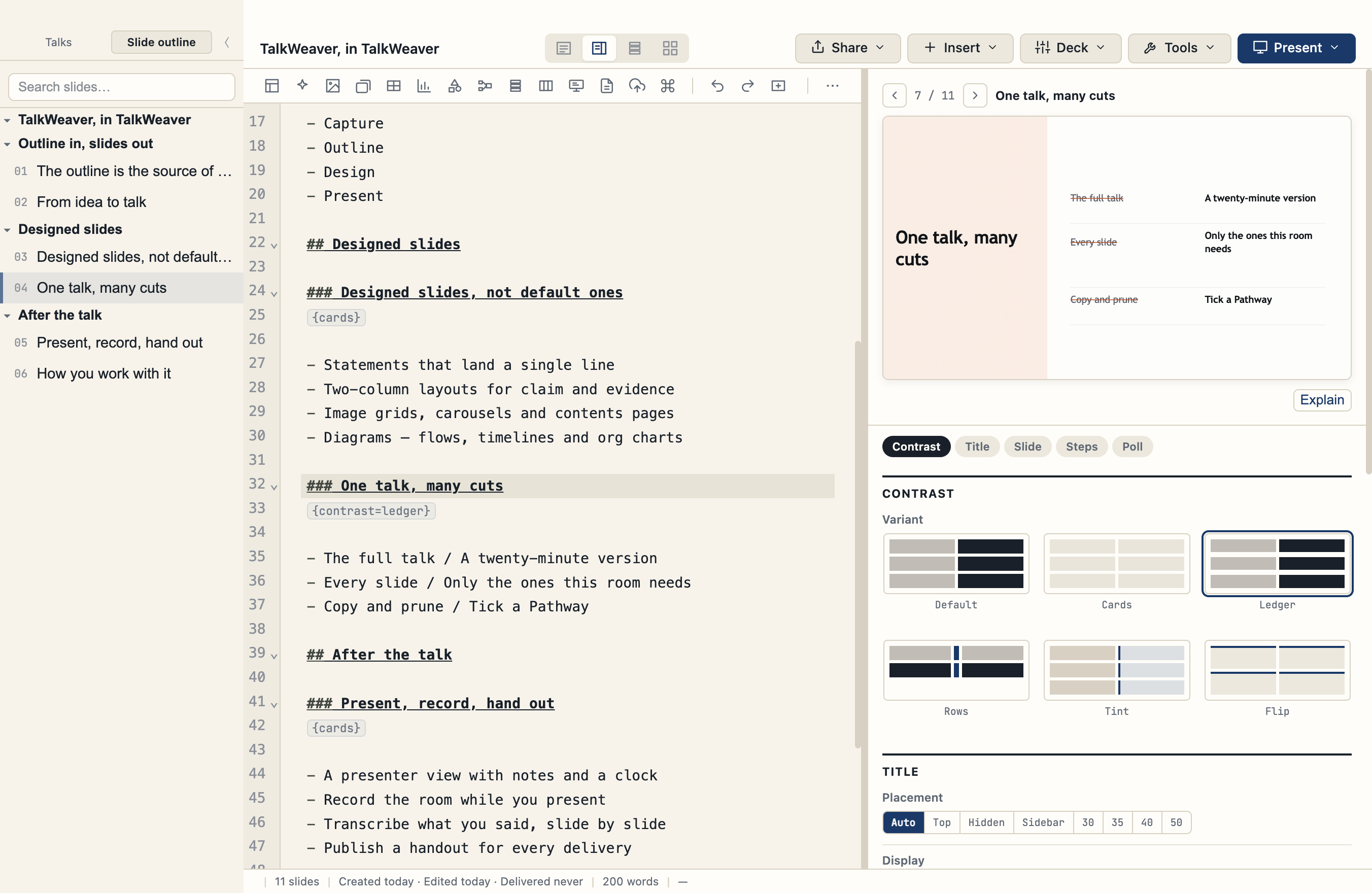
Outline in, slides out
Every heading is a slide
Write your talk as a Markdown outline; it compiles to slides as you type. No dragging boxes, no fighting a canvas.
Self-contained decks
Each talk becomes one HTML file with a real presenter view — notes, a clock, step-through — that runs anywhere, no server or export dance.
Keyboard-first
A command palette, a shortcut for everything, and a ⌘/ cheat-sheet. Your hands never have to leave the keyboard.
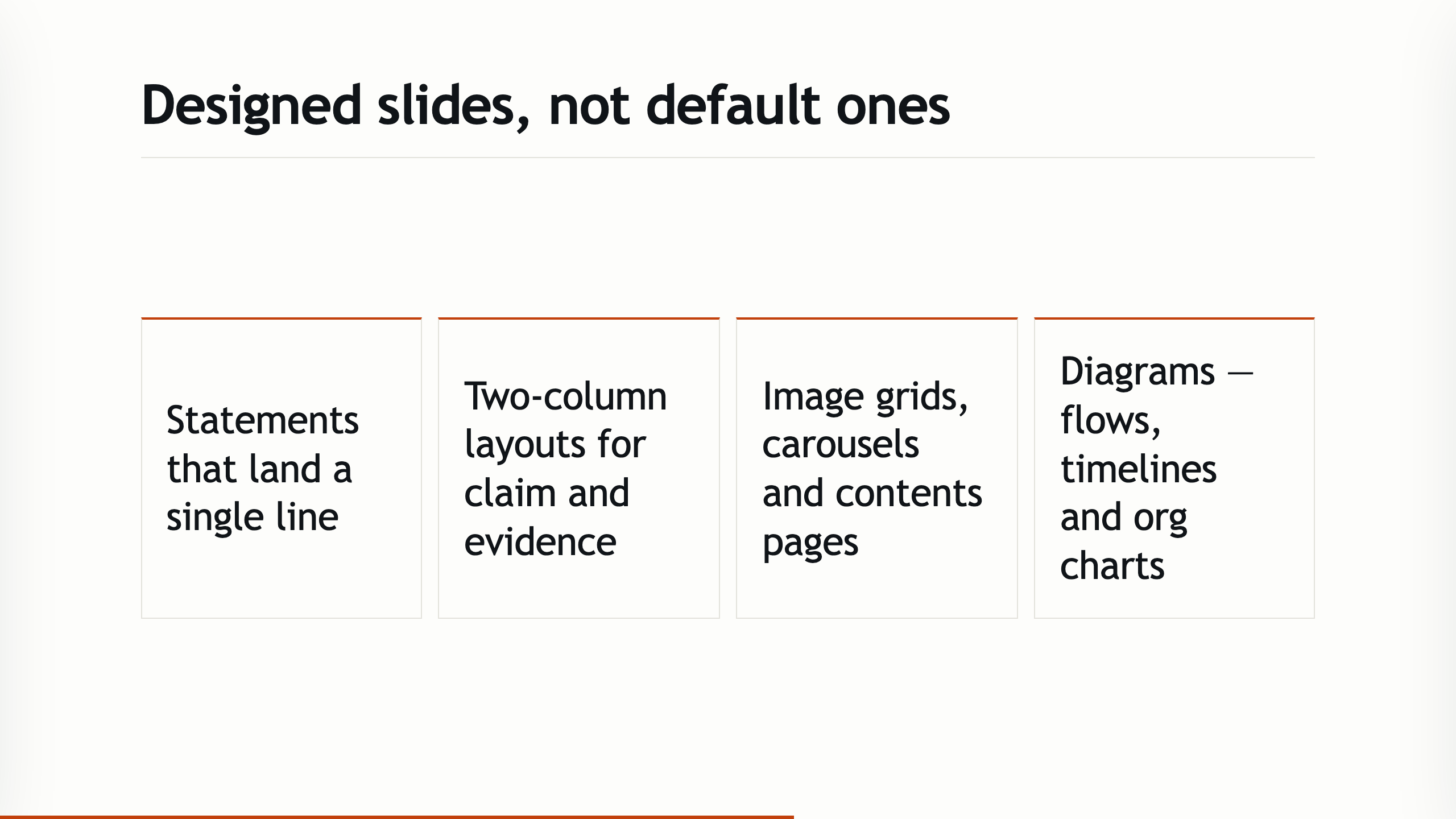
Designed slides, not default ones
A registry of layouts
Statements, two-column, image grids, carousels, contents pages, diagrams — chosen with a keyboard picker or an inline { } syntax. They share one design language: titles keep the same size across layouts, and body text stays above a readable minimum size.
The Inspector
Open it with ⌘P to see the current slide as the audience will. Its options are grouped into sections — layout, title, slide, steps and polls — with a shortcut to each at the top, and settings that depend on another appear only when they apply.
The action bar
A row of buttons above the editor for layout, media, inserting slides, the Inspector, presenting, handouts and publishing, plus undo, redo and list formatting. On a narrow window the rest move into a menu; you can turn the bar off in Workspace settings.
See the slides it makes
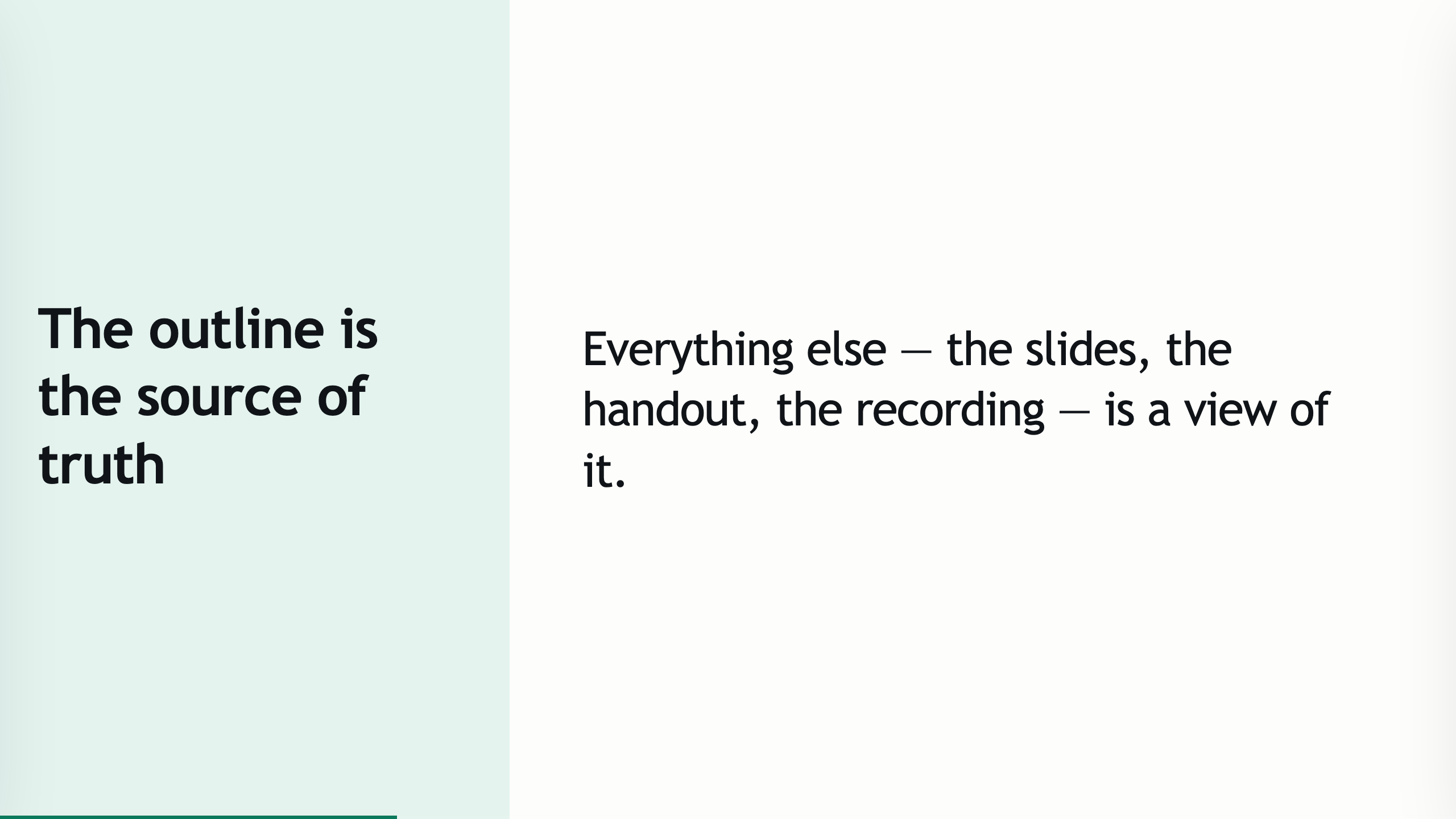
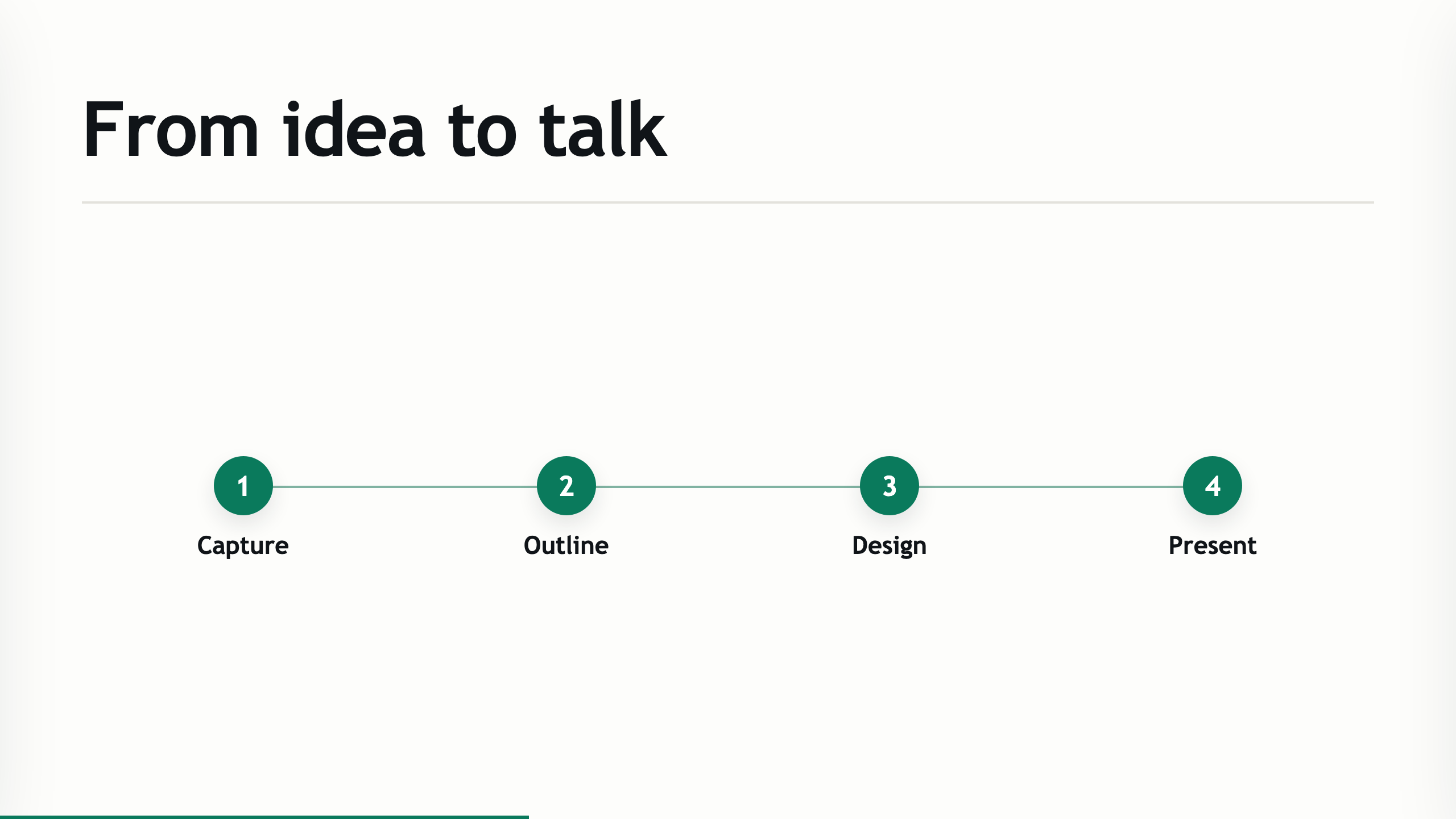
Every slide below was written as a few lines of Markdown and rendered by TalkWeaver — this whole gallery is one talk about TalkWeaver.
Live polls and audience participation
Ask the room
Write single-choice, multiple-choice and open-answer polls in the outline, as well as rating, ranking and matrix polls. Quick polls can be opened during a presentation without preparing a slide.
The audience view
The poll uses the same slide frame in the presenter preview and on the audience's screens, with results shown behind the answer options. After a poll is dismissed, the audience can return to the slides.
In control while you present
Reopen or dismiss a poll from the presenter. Responses are recovered after a connection interruption, and you get confirmation when your controls are acknowledged.
Bring your PowerPoint
Import a deck
Open a PowerPoint file in TalkWeaver. Its slide structure and embedded videos are kept.
Pick and map slides
Select the slides you want, preview them, and map each one to a TalkWeaver layout before adding them to a talk.
Reuse what you have
Slides inserted from another talk keep their images and video. Search covers text inside images as well as slide text, so slides with scanned or photographed text can be found.
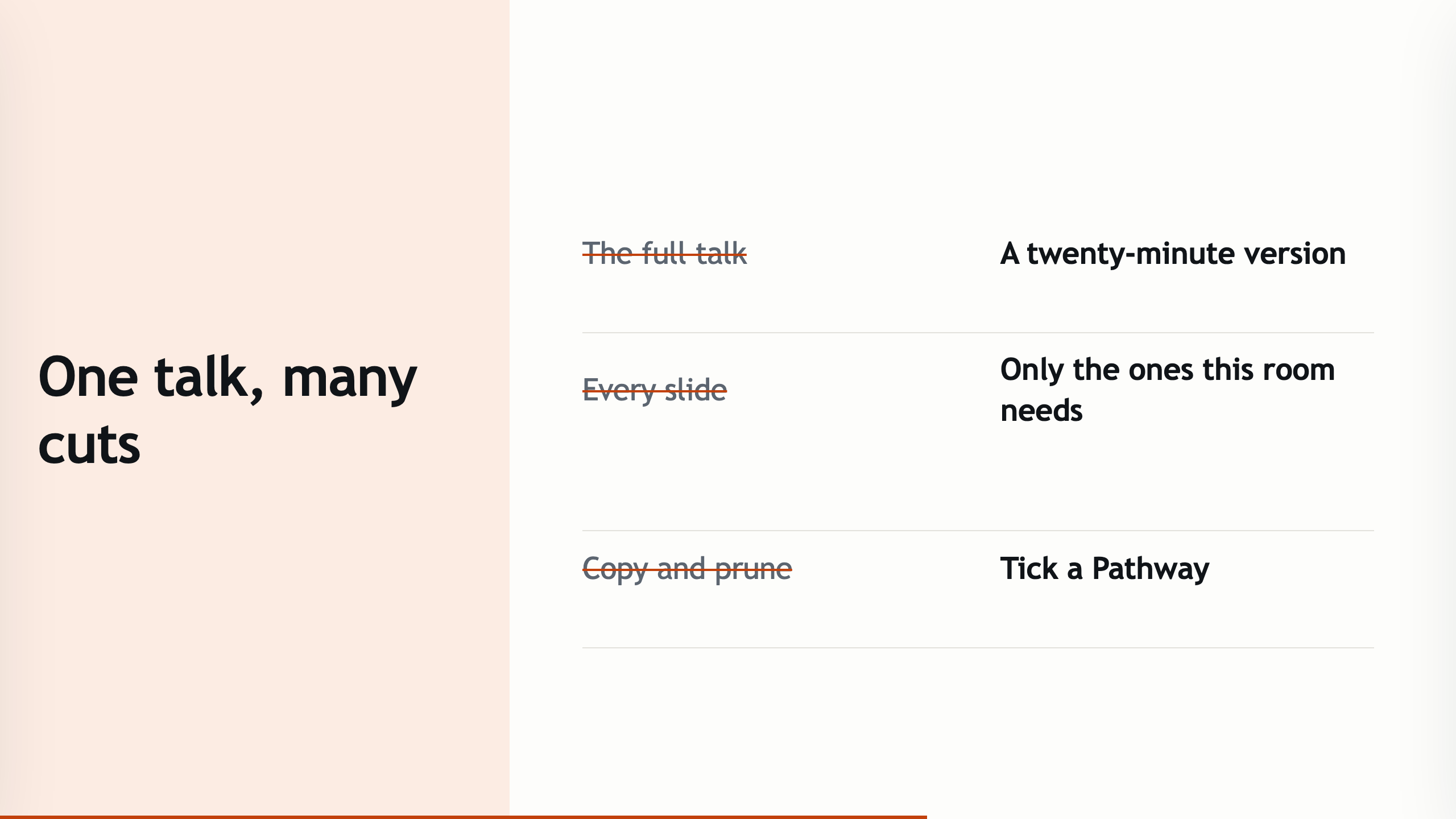
One talk, many cuts — Pathways
Tick, don't duplicate
Build a shorter or audience-specific version of a talk by ticking slides into a Pathway. The outline itself never changes.
Grid · List · Matrix
See a pathway as thumbnails, as a numbered running order, or every pathway side by side against the full outline.
Plan your deliveries
Schedule a talk as a planned Run in History — title, date, audience, and which pathway you'll give — before the day arrives.
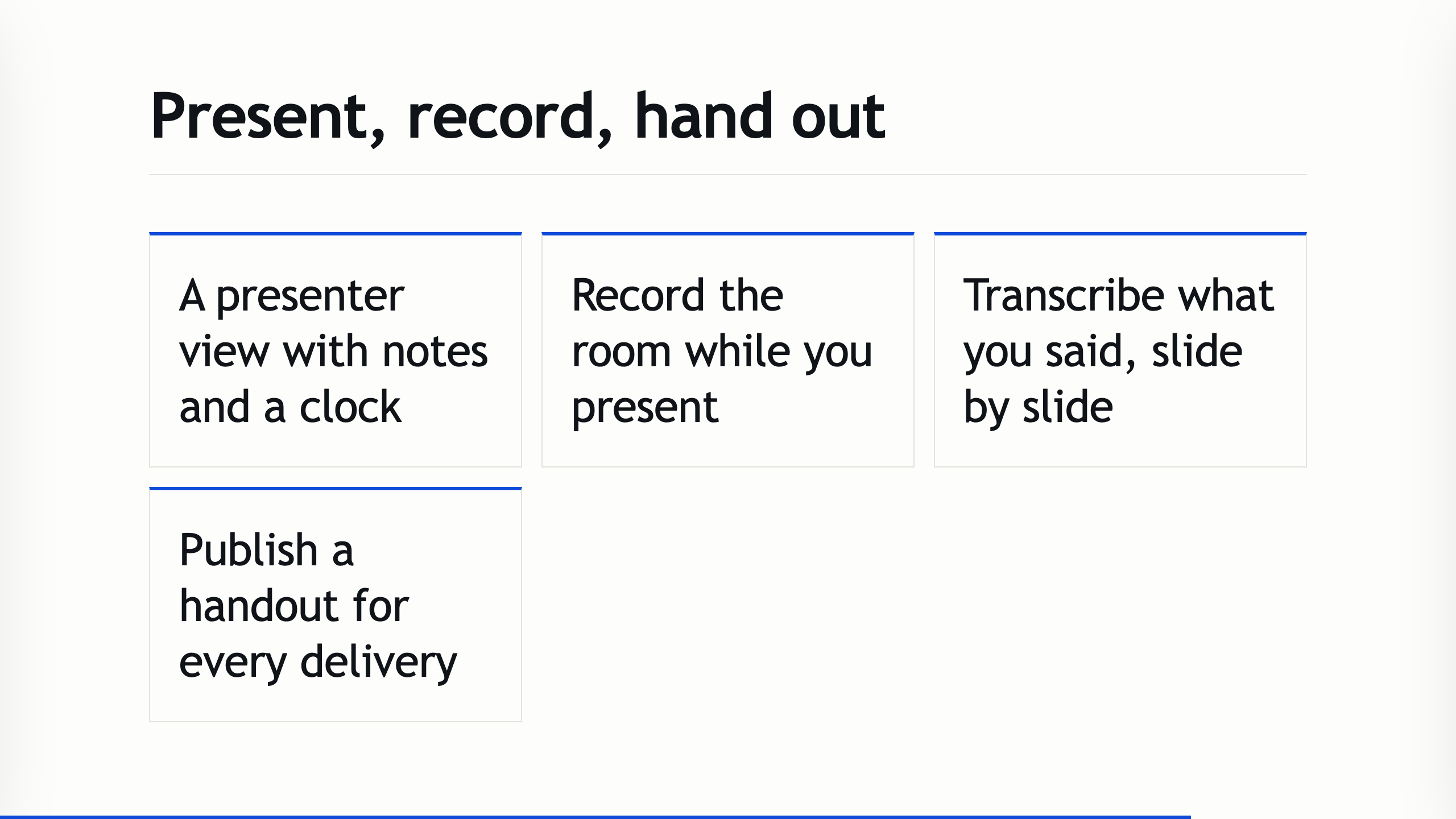
Present, record, hand out
A real presenter view
Notes, a clock, and step-through in a window separate from the audience display — and the deck is just an HTML file, so it plays anywhere.
Record & transcribe
Record the room straight from the presenter (opt-in), then transcribe what you said slide by slide — so you can turn a talk back into text.
Per-Run handouts
Publish a handout for each delivery, built from that Run's slides with its event and date on the cover — each with its own link. The evergreen talk link stays untouched.
Phone handouts
Sized for a phone
A published handout shows slides at a size that adapts to a phone screen, with a slide list, a focused slide view, and full screen when the phone is rotated.
A script companion
The script follows the selected slide, however the reader moves through the handout.
Fits the host
Published handouts are reduced to fit the hosting size limit, including when they contain images or video.
Keyboard, everywhere
Every click target has a keyboard path, and every shortcut is listed in the in-app cheat-sheet.
Install
macOS (Apple Silicon)
Open the .dmg and drag TalkWeaver to Applications. The build is signed and notarised by Apple, so it opens normally.
Windows
Run the installer. The build is unsigned, so SmartScreen warns on first launch: choose More info → Run anyway. A few macOS-only features are absent on Windows.
No account
There is nothing to sign up for. Your talks are Markdown files in a folder on your computer.
Get started
Download the app for your system and start writing a talk as a Markdown outline: every heading becomes a slide.
If anything misbehaves, please open an issue on GitHub.